Routes and review
Organize routes, review planning imports, and record operator decisions.
Latin America · English + Español
FleteOps brings messages, documents, and planning data together to review evidence and make decisions about each route. Explore the code and adapt it to your operation.
The project
Organize routes, review planning imports, and record operator decisions.
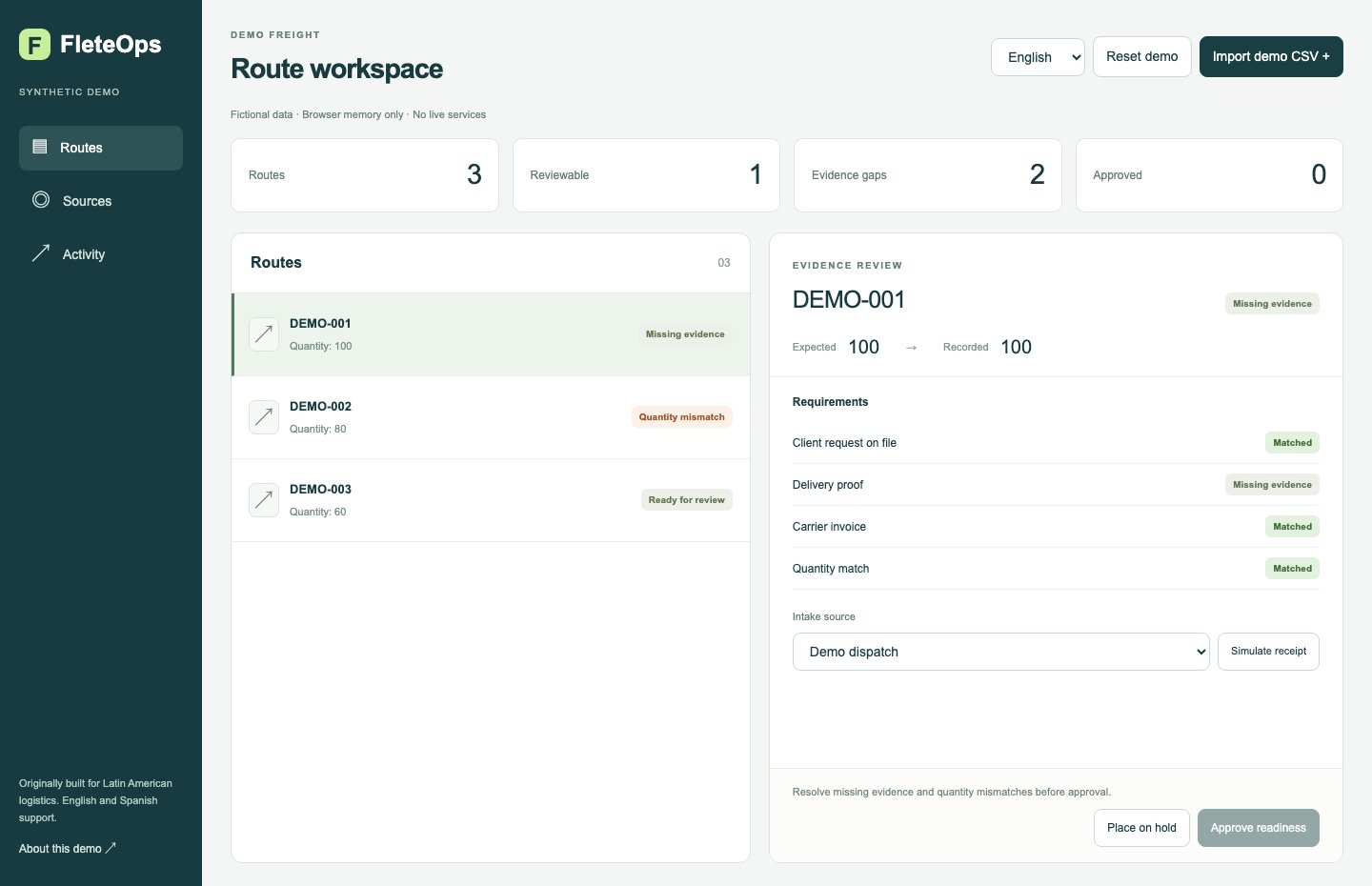
Bring delivery proof, invoices, and messages into a route packet. Review missing documents and discrepancies.
Originally built for logistics operations in Latin America, with an interface available in Spanish and English.
Delivery context
A delivery photo adds context. Review it alongside the route’s quantities and required documents before making a decision.
Explore the review workflow
Received, thank you.
From message to decision
The demo uses synthetic data in browser memory: CSV imports, source and evidence review, approve or hold decisions, and reset. Experimental connected source includes WhatsApp and email adapters, documents, and reconciliation; it requires your own infrastructure and setup.
Quantities and documents in one review.
Accept the synthetic suggestion before updating the route.
Approve readiness or place the route on hold.
Route evidence
A route packet connects documents, messages, and requirements. Reconciliation rules identify missing proof, quantity differences, and differences between expected and invoiced amounts.
Approval or hold remains an operator’s decision. The software provides context for that review.
The code supports WhatsApp integration through Evolution API. Connecting real services requires your own installation, credentials, and review of the provider’s requirements.
The original code is released under MIT, which permits commercial use. Evolution API is a separate dependency with its own conditions. Review the repository’s license and notices before connecting services.
For developers
Start with the setup guide and the demo’s synthetic data. Review the architecture, licenses, and integration configuration before using real services.